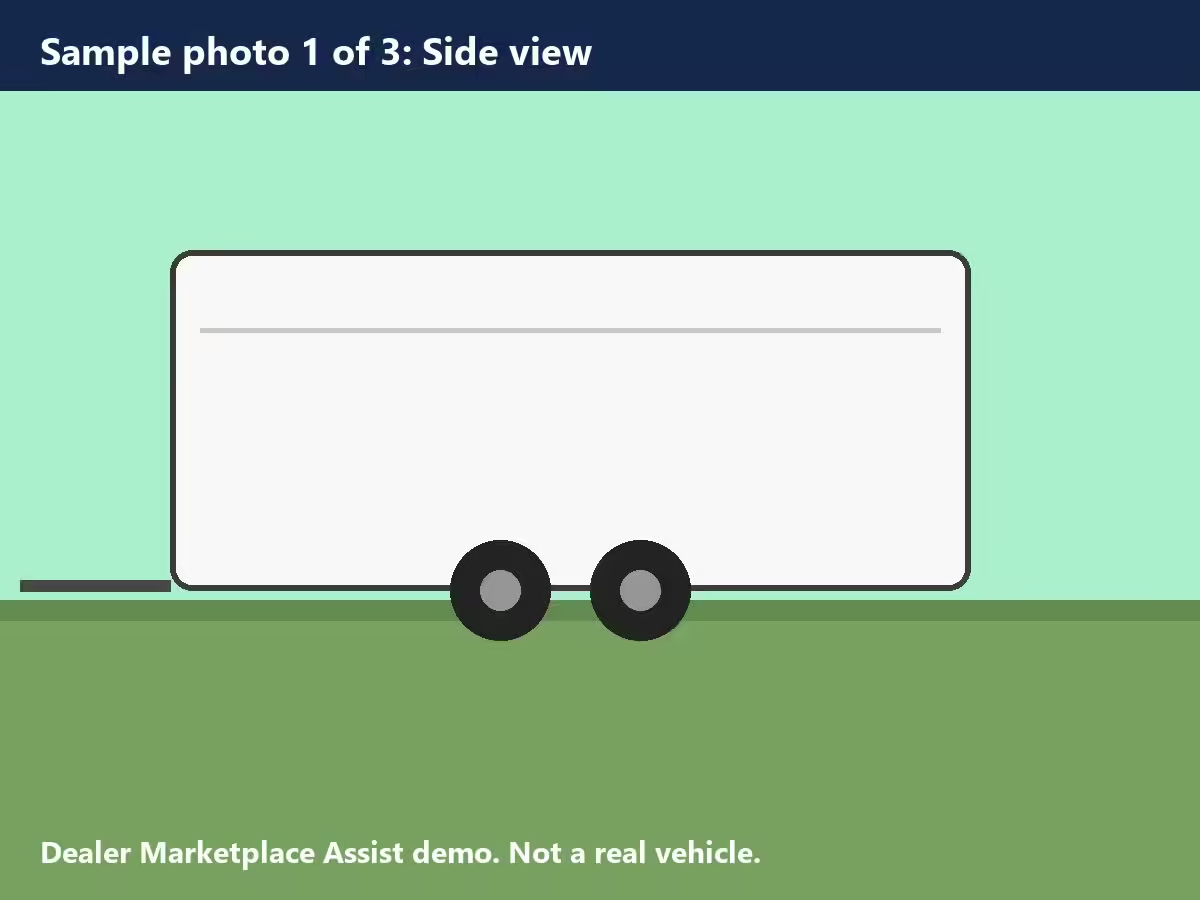
This page works like the Marketplace tab of a dealer app, with one sample trailer. Use it to try the extension without a dealer account. Nothing is published unless you click Publish on Facebook yourself.
Stock DEMO-716 · Sample listing
2026 Sample 7 x 16 Enclosed Cargo Trailer
$8,995
Type
Trailer
Year
2026
Make
Sample
Model
7 x 16 Enclosed Cargo Trailer
Color
White
Photos
3
Checking for Dealer Marketplace Assist…
How to test it
Install Dealer Marketplace Assist in Chrome on a computer.
On this page, click the puzzle-piece icon at the top right of Chrome, pick Dealer Marketplace Assist, and click Enable on this site. Click Allow when Chrome asks. The page reloads and the box above turns green.
Sign in to Facebook in the same Chrome profile.
Click Fill Marketplace listing. Facebook opens Create listing, Vehicle for sale in a new tab. The extension picks Trailer, adds the three sample photos, and fills year, make, model, price, color and description. A panel on the right shows what was filled.
Do not click Publish. Close the Facebook tab (choose Leave if Facebook asks) and nothing is saved. The step that sends the listing link back only runs after a real listing is published, so you can skip it.
To turn the extension off for this site, click the icon and click Remove.
This page only talks to the extension inside your browser. It sends nothing to any server. Privacy policy
Free • No Obligation
Book a free call
Tell us a little about your business and we'll call you to talk through what would bring you more calls, leads and booked jobs. No cost and no obligation.
Something went wrong. Please call us directly at (217) 724-8153.