
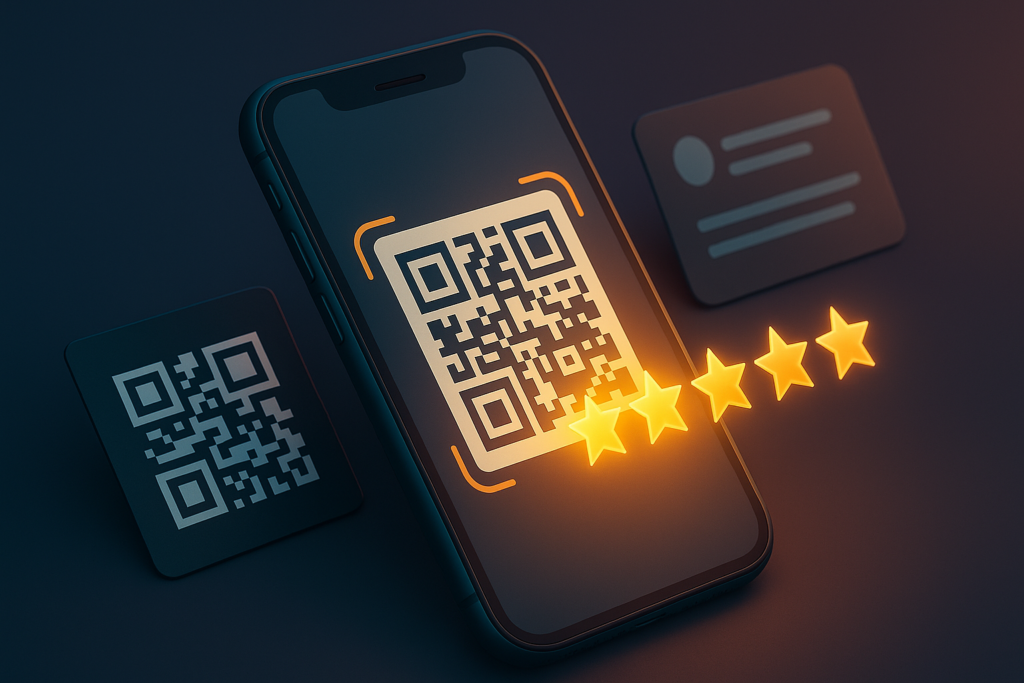
The easiest way to get more Google reviews is to remove every ounce of friction — and nothing is more frictionless than a QR code a customer scans to land right on your review form. A Google review QR code turns a receipt, table tent, or business card into a one-tap review machine. Here’s exactly how to make one for free.
Why a QR Code Beats Asking
When you ask a happy customer to “leave us a Google review,” they have to remember to do it later, find your business, scroll to the review button… and most never do. A QR code collapses all of that into a single scan in the moment they’re standing in front of you and happiest. More reviews means higher local rankings, more trust, and more customers — it’s one of the highest-ROI things a local business can do.
Step 1: Get Your Google Review Link
A QR code is just a link in visual form — so first you need your direct Google review link (the URL that opens your review form). You have two easy options:
- The fast way: paste your business name into our free Google review link generator and it builds the direct link (and a QR code) for you instantly.
- The manual way: in your Google Business Profile dashboard, click “Ask for reviews” to copy the short review link Google provides.
Step 2: Turn the Link Into a QR Code
1Generate the QR code.
Our review link generator creates the QR code alongside your link automatically — no separate tool needed. Otherwise, paste your review link into any QR code generator.
2Download and test it.
Download the QR image, then scan it with your own phone to confirm it opens your Google review form. Always test before you print.
3Put it where customers are.
Add it to receipts, table tents, packaging, business cards, email signatures, and a “Leave us a review” sign at the counter. The more places it lives, the more reviews you get.
Every place you put your review QR code is a little machine that quietly turns happy customers into five-star reviews.
Where to Put Your Review QR Code
- At the point of sale — a table tent or counter sign right where the transaction ends.
- On receipts and invoices — a natural moment to ask.
- On packaging or thank-you cards for products shipped or handed off.
- In follow-up texts and emails — even a tappable link works the same way.
QR Code Best Practices
A review QR code only works if people can actually scan it. A few simple rules make sure yours does its job:
- Make it big enough. On print, aim for at least a 1-inch square — larger for signage seen from across a room.
- Keep high contrast. Dark code on a light background scans best; avoid busy patterns behind it.
- Add a short instruction. “Scan to leave us a review” tells people exactly what it does and why.
- Leave a quiet margin around the code so phone cameras lock onto it quickly.
- Always test it on both an iPhone and an Android before you print a whole stack.
Make the Scan Worth It
Getting the scan is only half the job; the other half is the ask. Pair your QR code with a warm, specific prompt — something like “Loved your visit? A quick Google review means the world to our small team” — and you’ll turn far more scans into actual reviews. Timing matters just as much: the best moment to point someone at the code is right after a genuine win, when they’re happiest and already have their phone in hand.
Why Reviews Are Local-SEO Gold
Beyond the trust factor, a steady stream of fresh Google reviews is one of the strongest signals in local search. Google’s Map Pack — the three businesses that appear with a map for local searches — weighs review quantity, star rating, recency, and even the words customers use. A QR code that keeps reviews flowing week after week directly feeds that ranking, which means more visibility, more clicks, and more customers walking through the door. It’s a tiny piece of print doing real marketing work every single day.
Beyond QR Codes: Share Your Link Everywhere
The QR code is perfect for in-person moments, but your direct review link should live everywhere your customers are. Drop it into post-service text messages and emails, add it as a button on your website’s thank-you page, put it in your email signature, and pin it in your social bios. The same link that powers your QR code works as a plain tappable link online — so one link, generated once, fuels every channel you use to ask for reviews. The goal is simple: make leaving a review so easy that saying no takes more effort than saying yes.
Reviews Build Trust Before You Say a Word
Think about your own behavior for a second: when you search for a restaurant, a contractor, or a dentist, what do you look at first? The star rating and the number of reviews. Before a potential customer ever reads your website or hears a word of your pitch, your review profile has already made an argument for or against you. A business with dozens of recent, glowing reviews feels like a safe, popular choice; one with two reviews from three years ago feels like a gamble. A QR code is the simplest way to make sure the story your reviews tell is the one you want them to tell — consistently, and without you having to think about it. Every scan is a chance to add another voice to your case, and the businesses that make scanning effortless are the ones that win the trust battle before it even starts.
Get Your Google Review Link & QR Code
Enter your business name and get a direct Google review link plus a ready-to-print QR code in seconds. Free, no signup — then start collecting reviews on autopilot.
Free tool • Direct review link + QR code • No signup
Want help turning more of those reviews into a five-star reputation that ranks? That’s exactly what our reputation management and Google Business Profile services do. And once you’ve got the code, learn how to get more Google reviews and how to respond to them.
Good To Know
Google Review QR Code FAQs
How do I create a Google review QR code for free?
First get your direct Google review link (our free review link generator builds it from your business name), then turn that link into a QR code. Our generator creates the QR code alongside the link automatically, so it takes seconds and costs nothing.
What is a Google review link?
It is the direct URL that takes a customer straight to your Google review form, skipping the search step. You can get it from your Google Business Profile under Ask for reviews, or generate it instantly from your business name.
Where should I put my review QR code?
Anywhere customers are happiest and have their phone out: receipts, table tents, counter signs, packaging, business cards, and follow-up emails or texts. The more visible it is, the more reviews you collect.
Do QR code Google reviews help my ranking?
Indirectly, yes. QR codes make it easier to collect more reviews, and a steady flow of positive, recent reviews is a strong local SEO signal that helps you rank higher in the Google Map Pack.